Foreign Card Declined in Korea? What to Check Before Trying Again
Card declined at a Korean café or shop? A calm 30-second checklist: what to ask staff, when to try the chip, what pending means, and what not to assume.
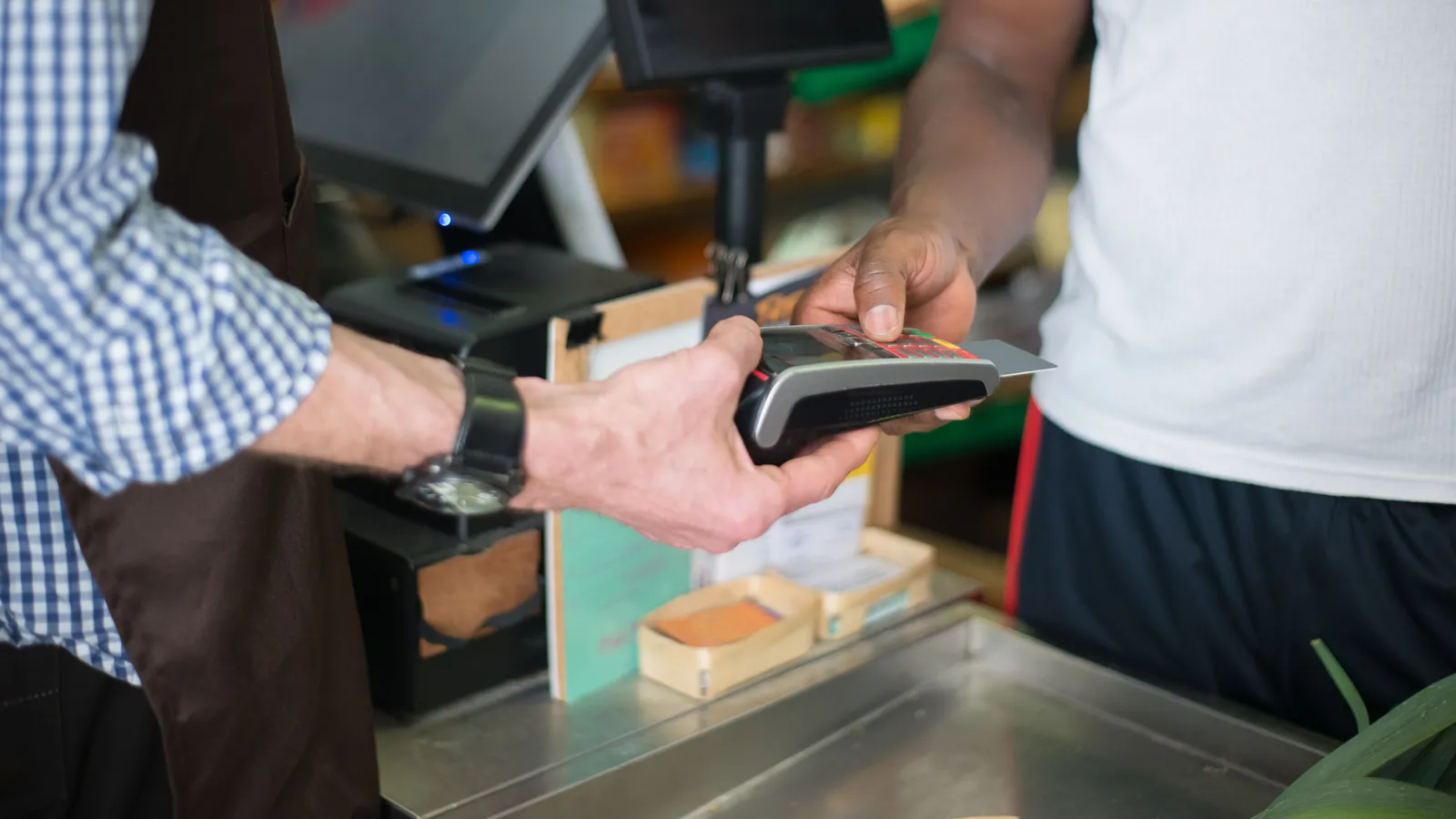
Picture this: you order an iced latte at a small café near your guesthouse, hold your phone to the card reader, and the screen flashes an error. The barista says something quickly, a short line forms behind you, and your thumb is already moving to tap again.
Pause for a moment. Tapping again might work. It might also leave a second pending entry on your account, or repeat a problem that a different payment method would avoid. This guide is for that moment at a café, restaurant, or shop counter. For the bigger picture on when to carry cash, see our cash vs card guide. Here we focus only on what to check next. The examples are illustrative scenarios, not records of real transactions.
The 30-second sequence
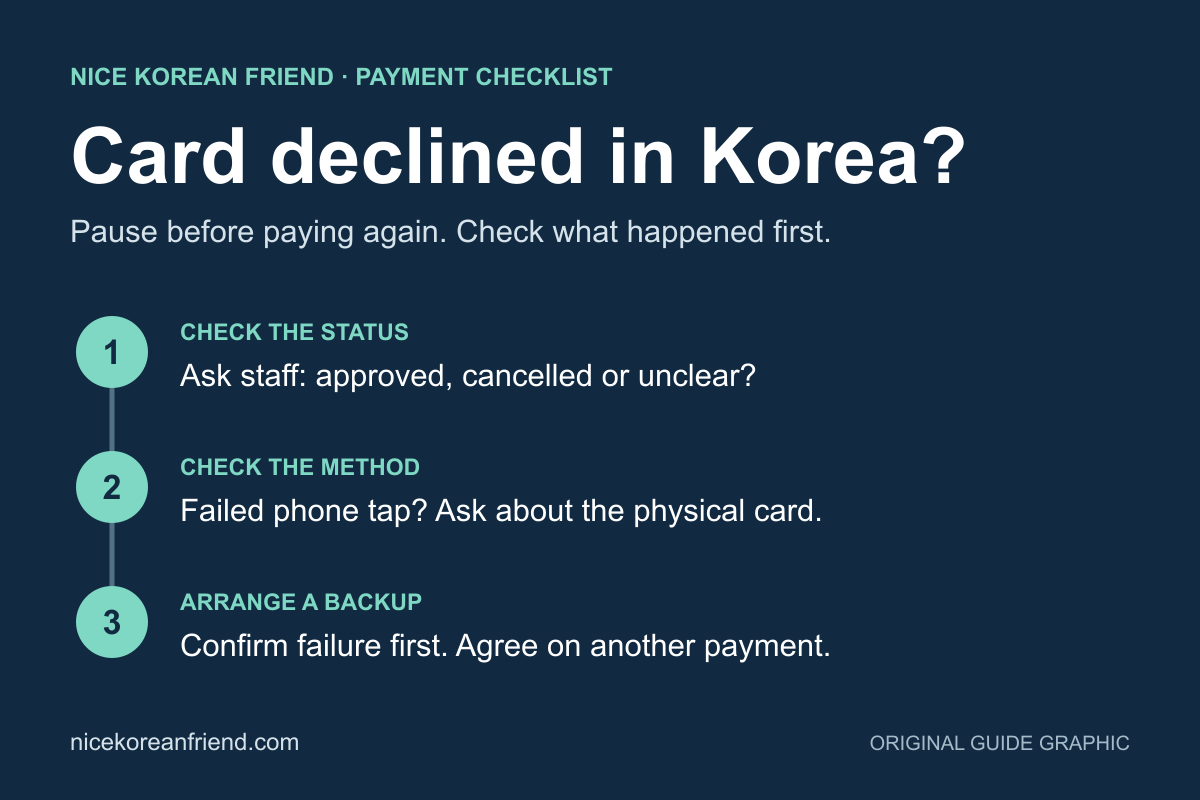
- Ask before you act. Ask the staff whether the payment was approved or cancelled. A beep or a printed slip doesn't always make this clear to a visitor.
- Check your issuer's app, if you have one. A notification or a new line in recent activity may show whether the attempt was approved, declined, or is still pending.
- If it clearly failed, ask about a different method. After a failed phone tap, inserting the physical chip card is a sensible thing to ask about. It may work. It isn't guaranteed.
- If the status is unclear, don't retry yet. Ask the merchant to check their terminal, and contact your card issuer through its official channels.
- Agree on a backup with the staff. Explain that you'd like to pay another way. Arrange payment with the staff before leaving.
Quick reference
| What happened | Next action | What not to assume |
|---|---|---|
| Phone or tap payment failed | Ask whether you can insert the physical card | That your card is blocked |
| Physical card declined | Look for an alert or reason in your issuer's app, then contact the issuer | That the terminal is broken, or that retrying will fix it |
| Online checkout failed | Look for an international card option and finish your issuer's verification step | That a Korean address or Korean SIM will solve it |
| Pending entry appeared | Ask the merchant whether it was voided or the order went through; keep the receipt | That the bank entry alone confirms the order, or that you were charged twice |
Three different problems that can look the same
Contactless capability. A failed tap doesn't always mean something is wrong with your account. Apple's merchant integration guide explains that a business needs EMV contactless enabled and that its setup with its payment processor matters. So a phone wallet that won't work at one counter is a different situation from a physical card being declined.
Authorization. The transaction may be declined by your issuer, or it may fail on the merchant's side. For an issuer decline, your issuer is best placed to explain the specific reason, as Visa's support page suggests. A terminal-side failure may need the merchant or its payment processor to investigate, and some attempts may never reach your issuer at all.
Online authentication. Website and app checkouts often add a verification step, which brings its own failure points (more below).
The fact that your card worked yesterday doesn't identify which of these is happening. A different terminal, a different type of business, an issuer risk check, or a limit reached since then could each be involved.
Check with your own issuer, not random settings
Use your issuer's official app or phone line to confirm the basics: the card is activated, it isn't frozen, there are enough funds or available credit, daily or international limits haven't been reached, and no security alert is waiting for you. Chase's guide to declines adds that holds can temporarily reduce available credit, and that outdated card details or a billing address mismatch can cause a refusal. Some issuers show a decline reason inside their app. Wise, for example, does, and suggests the chip if contactless fails. That is one issuer's process; others work differently.
What not to do: don't switch off fraud protection wholesale, don't enable magnetic-stripe settings because someone suggested it, and never guess your PIN. If you see an alert you recognize, confirm it inside the official app rather than through a link in a message.
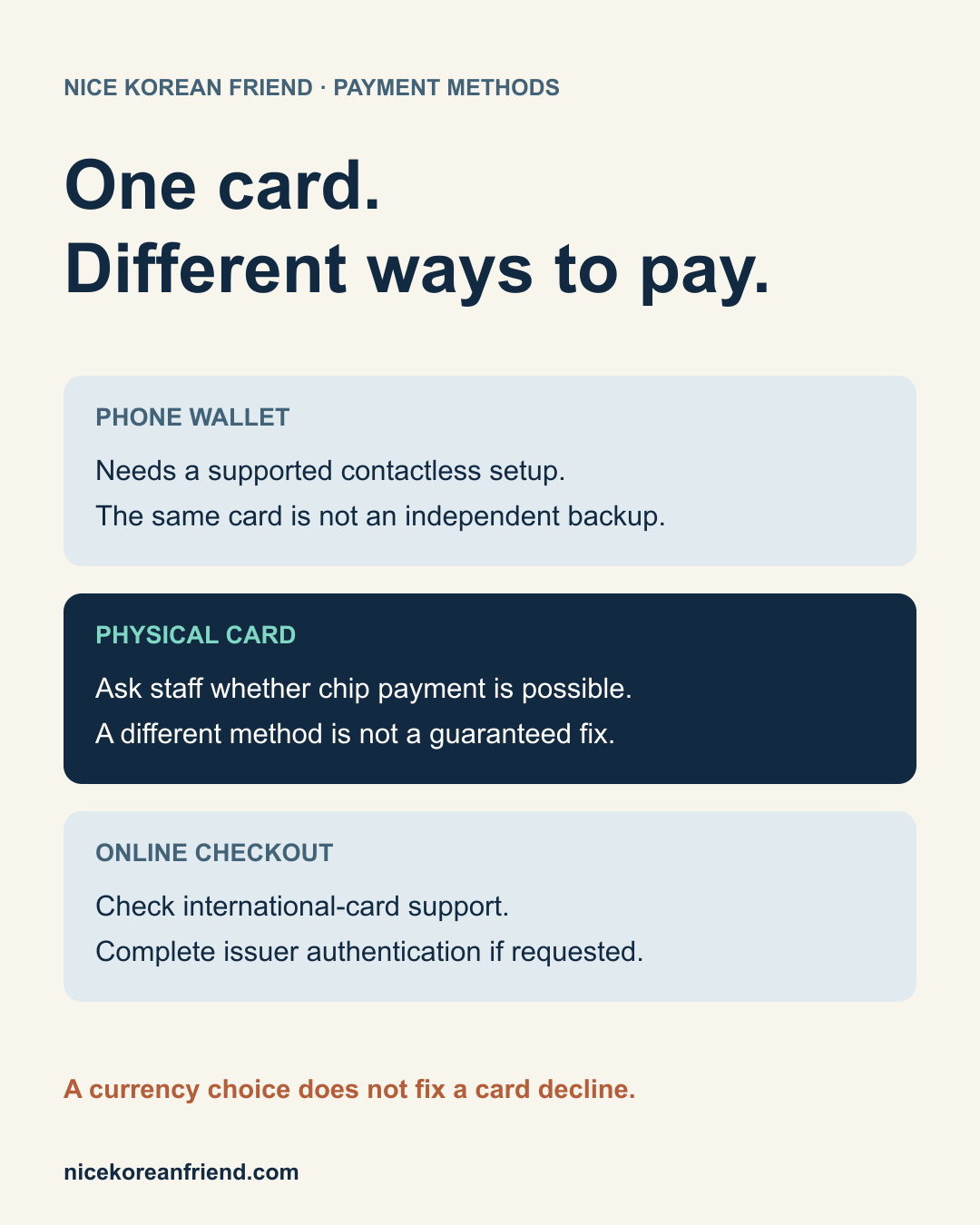
Your phone wallet is not a separate backup
A card saved in a phone wallet is the same underlying card. If the issuer declines it, the physical version may be declined too. A genuine backup is a physical card from a different issuer, ideally on a different network, plus a modest amount of won. How much cash depends on your plans, so there's no fixed number. Korea's tourism organization notes on its currency page that international card networks are accepted at many businesses, but suggests checking availability first. If you need cash, our ATM guide covers withdrawals. And if you're eating alone at a counter or kiosk spot, it helps to ask whether foreign cards work before your order goes in.
When something shows as pending
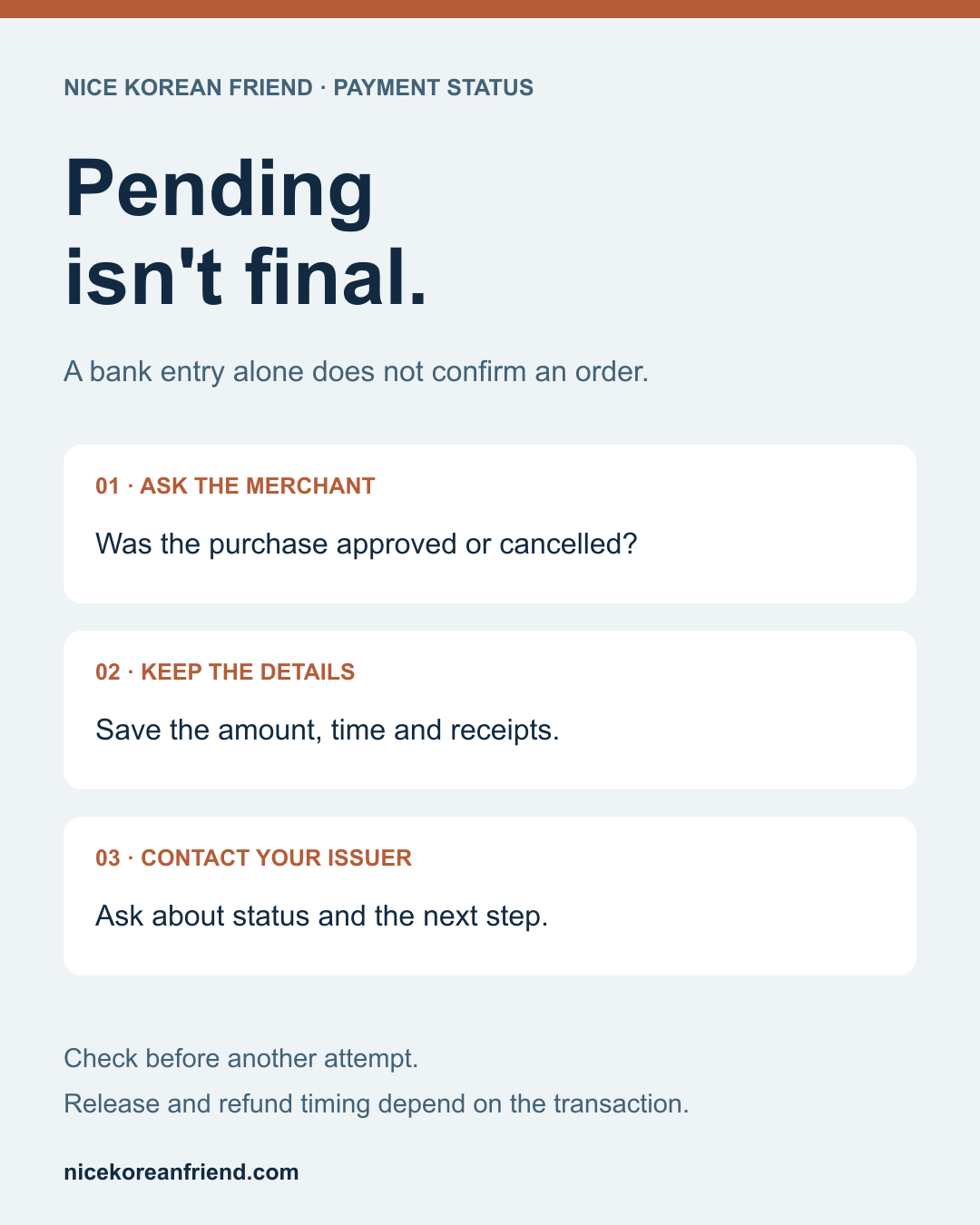
A pending entry is not final. On its own, a pending bank entry doesn't confirm that the merchant accepted your order, and two pending lines don't necessarily mean two settled charges. Chase's explainer on pending transactions notes that timing depends on the merchant, bank, network, and transaction type, and that a merchant can void an authorization. It suggests contacting the merchant first, then your issuer.
At the counter, note the time, amount, currency, and merchant name, and keep every receipt. Ask staff to check whether the attempt was voided or the order went through before you try again. Release or refund timing varies by issuer. If two charges eventually post, follow your issuer's dispute procedure; time limits differ between issuers.
If an online checkout fails
Some online checkouts, including some in Korea, accept only locally issued cards. This isn't true of every Korean site. If you see an explicit international card option, use it. The extra verification step, often called 3-D Secure, is handled by your issuer, and Visa says to contact the issuer if it fails; there's nothing to register with Visa itself. The step may need your issuer's app or a text message to your home SIM, so a Korean SIM isn't a universal fix. Use the billing address your issuer has on record, and don't invent a Korean address or identity to get past a form.
A quick word on currency offers
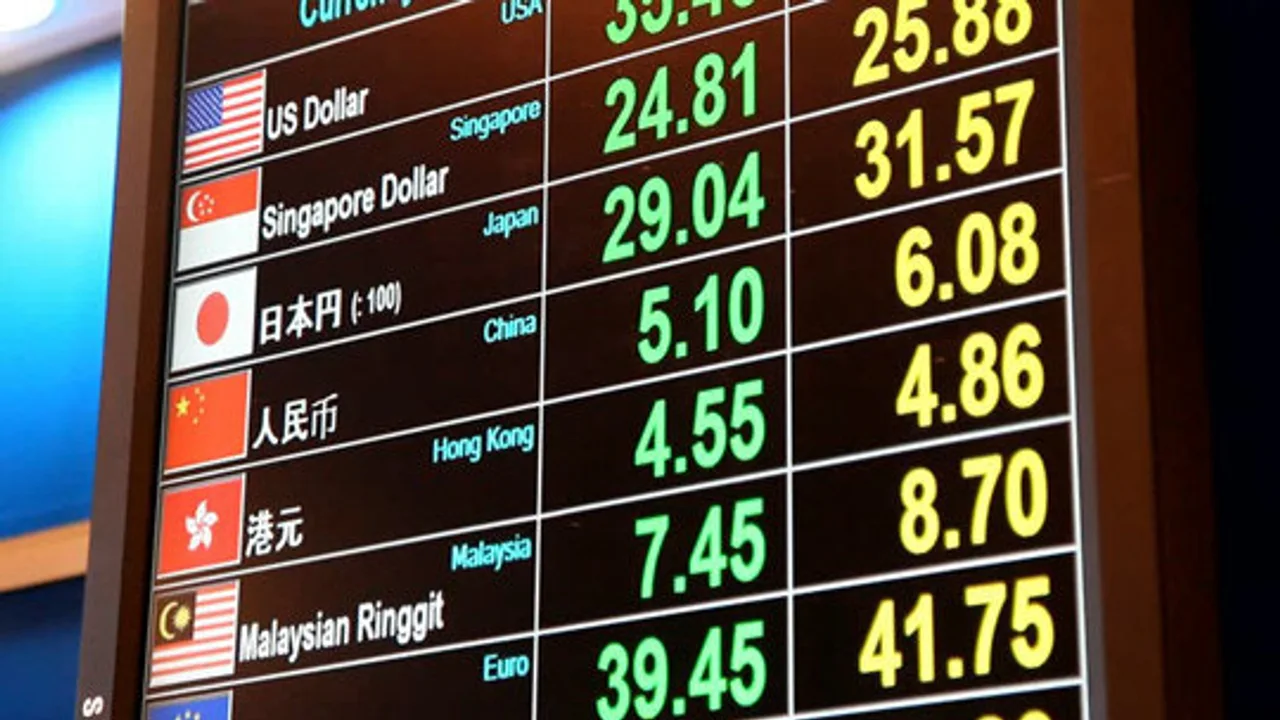
Some terminals offer to charge you in your home currency instead of won. Visa's page on dynamic currency conversion describes this as your choice, says the rate and markup should be shown to you, and notes that accepting or declining doesn't change whether your card works internationally. So it isn't a fix for a decline. Choosing won declines the conversion, not the purchase. Your issuer may still charge its own foreign fees, and neither option guarantees the best rate.
Four phrases for the counter
- 결제가 승인됐나요? (gyeolje-ga seungin dwaen-nayo?) — Was the payment approved?
- 실물 카드로 해도 될까요? (silmul kadeu-ro haedo doelkkayo?) — Can I use the physical card?
- 해외 카드도 되나요? (haeoe kadeu-do doenayo?) — Do you accept foreign cards?
- 취소 영수증을 받을 수 있을까요? (chwiso yeongsujeung-eul badeul su isseulkkayo?) — Could I get a cancellation receipt?
Before your next trip
Check that your issuer's app login works abroad, find out how its verification step works away from your home SIM, save its international contact number, and pack two physical cards from different issuers plus a little won. Then, if a tap fails next time, you'll know what to check next instead of guessing at the register.
Frequently asked questions
›Should I just tap again if my card payment fails in Korea?
Ask the staff first whether the payment was approved or cancelled, and check your issuer's app if you have one. Retrying blindly can create extra pending entries. If the attempt clearly failed, ask whether you can insert the physical chip card instead; it may work, but it isn't guaranteed.
›I see two pending charges. Was I charged twice?
Not necessarily. A pending entry isn't final, and a merchant can void an authorization. Keep your receipts, note the time, amount, currency, and merchant, and ask the shop to check its terminal. If two charges actually post, contact your issuer and follow its dispute procedure.
›Will paying in my home currency get my card approved?
No. A home-currency offer is a choice about conversion, not a fix for a decline. Choosing won declines the conversion, not the purchase. Your issuer may still apply its own foreign fees either way.