Using ATMs in Korea: Global ATMs, Fees and Limits
Not every Korean ATM takes foreign cards. Here's how to find Global ATMs, what withdrawals really cost, per-transaction limits, and how to avoid the DCC trap.
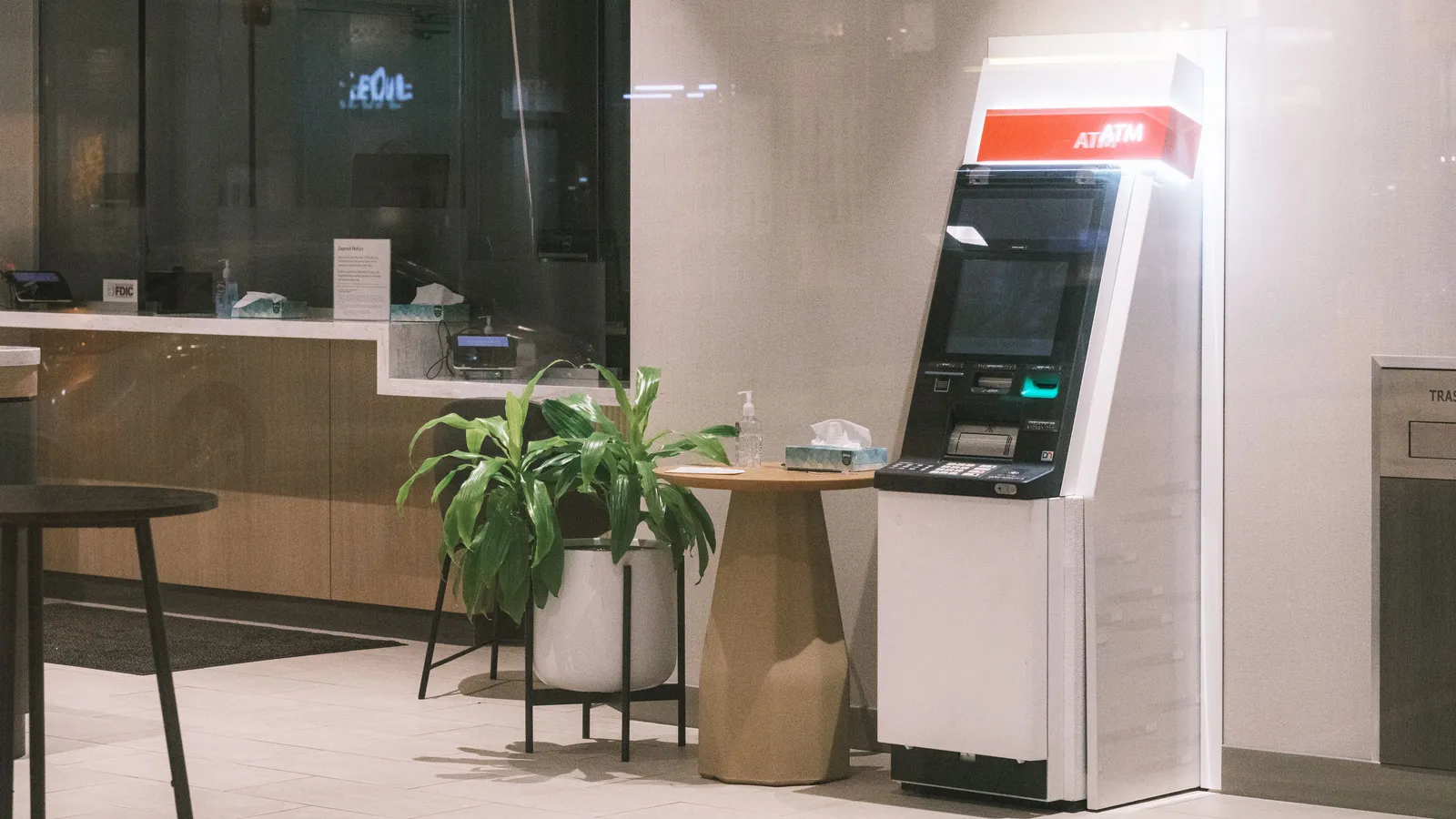
An ATM refusal can mean a network mismatch, an issuer restriction, a machine limit or a temporary problem. It does not automatically mean your card is broken, and visiting a different convenience store is not a guaranteed fix.
Find a compatible machine
Look for overseas-card wording and the network printed on your card. Visa's ATM locator is one way to find Visa-network machines. Check the location's opening hours: a machine inside a branch, station or shop may be inaccessible when the building closes.
Select English if offered. Choose withdrawal and the account type your issuer recommends. If the machine asks for an amount, start with an amount within your own daily limit. Keep the card in sight and take it back before leaving.
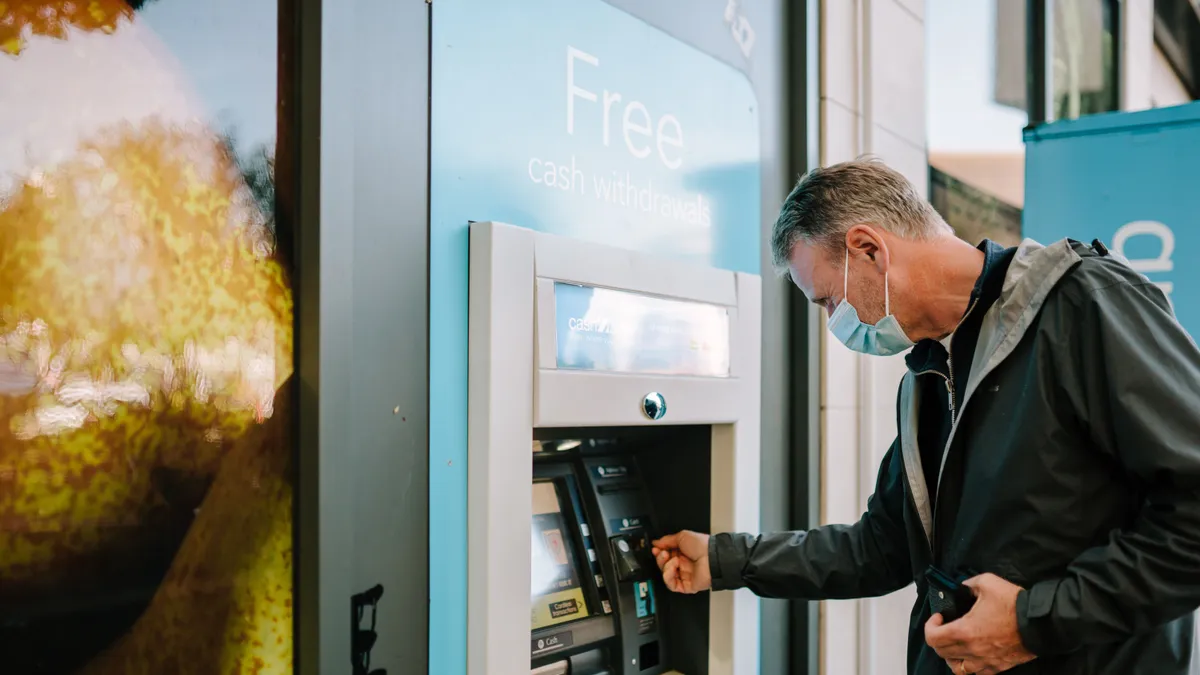
Read the cost before confirming
There are three separate questions:
| Question | Where to check |
|---|---|
| What does this machine charge? | The ATM confirmation screen |
| What does my bank charge for an overseas withdrawal? | Your card issuer's current tariff |
| Who converts the payment into my account currency? | The currency-choice screen and your issuer's terms |
We do not quote a universal Korean fee or withdrawal ceiling because the machine, card and account all matter. Check both a per-withdrawal limit and your issuer's daily limit. Making fewer withdrawals may reduce fixed fees, but only withdraw cash you can store safely.
Understand the currency question
An offer to bill you in your home currency is dynamic currency conversion, not an obligation. Visa's explanation says the conversion offer should display its exchange rate and charges and allow a choice. Choosing won normally leaves conversion to your card issuer, whose charges you should also check. A screen promising certainty is not proof of a better rate.
If the withdrawal fails
- Read and photograph the error wording without photographing your PIN or card number.
- Check that overseas withdrawals are enabled and that you know the correct PIN.
- Check the account balance, withdrawal limit and any fraud alert from your bank.
- Try a compatible machine at a bank or staffed location. Avoid repeatedly guessing a PIN.
- If a card is retained, use the machine's displayed support contact and notify your issuer.
Asking for help
Our editor's local perspective: people in Korea are often willing to help even when English is not their first language. A translation app or ChatGPT can help you prepare a short question, then show the Korean text and ask the person to confirm their answer. English-speaking staff can be available at banks and hospitals, but this varies by branch and shift. Treat translated text as a communication aid; have staff confirm important conditions and instructions. This is editorial advice, not a report of a specific visit.
Ask staff where an overseas-card ATM is located; they cannot remove your home bank's security block. Keep a second payment method available and compare licensed exchange services in our currency-exchange guide.
Frequently asked questions
›Which ATM should I try?
Use a machine advertising overseas-card support and your card’s network. Visa provides a network ATM locator. A Global sign is a useful starting point, but it does not guarantee acceptance of every card.
›How much does a withdrawal cost?
Check the ATM’s displayed operator fee and your issuer’s foreign-withdrawal and currency-conversion charges. Fees and limits vary; an account advertised as fee-free does not automatically waive a separate machine fee.
›What is the home-currency option?
It is dynamic currency conversion. Visa says the ATM should disclose the exchange rate and charges and let you choose. Comparing those terms with your issuer’s conversion helps you decide whether to accept it.
Sources and updates
Last edited on October 12, 2026. Sources support the specific details discussed in the guide; check the provider for current prices, availability and eligibility.