eSIM vs SIM Card vs Pocket WiFi in Korea
Choose a Korean eSIM, physical SIM or pocket Wi-Fi by device compatibility, sharing needs, voice service and the exact provider’s current terms.
A connection is useful only if it works with your device and the services you need. Decide whether you want data for one phone, a Korean calling service, or a connection shared by several devices.
The practical comparison
| Option | Check first | What you manage |
|---|---|---|
| eSIM | Exact device model, region, carrier lock and provider compatibility | Profile installation and the correct data line |
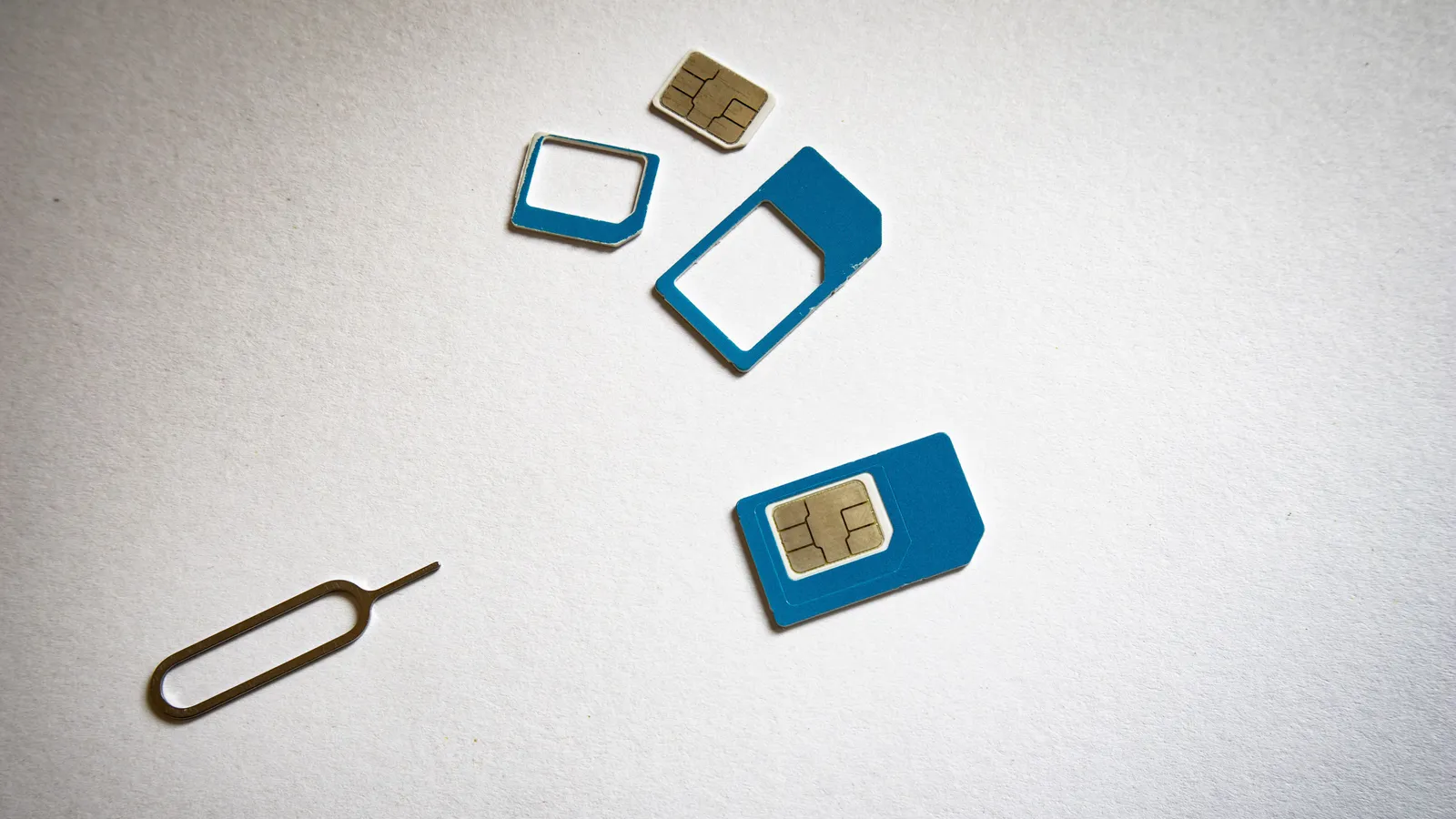
| Physical SIM | Compatible unlocked phone and available SIM slot | Collection, card replacement and keeping the home SIM safe |
| Pocket Wi-Fi | Pickup, return, coverage and sharing terms | A separate charged device carried by the group |
Being able to see an eSIM menu does not establish compatibility with every plan. A carrier-locked phone can also reject a foreign physical SIM, so switching formats is not a guaranteed fix. Ask your home carrier about unlocking before you travel.
Compare the complete price
Use the provider's current quote for your dates. Check the total validity period, data allowance, any fair-use or reduced-speed policy, tethering rules and voice or SMS charges. A router quote should include any deposit, collection, return and late-return conditions.
The KT visitor service offers a provider-specific starting point for SIM, eSIM and router options. Its visitor SIM terms distinguish data, voice arrangements and extension conditions. Those terms should not be generalized to another seller's plan.
Do you need a Korean phone number?
Write down the task you want to complete. Calling a restaurant, receiving a text and passing resident identity verification are different requirements. A visitor number is not a promise that a banking, shopping or identity-check service will accept it.
Ask: “Does this exact plan support the call or text I need, and does it support the site's required identity verification?” For longer stays, check the carrier's resident registration process rather than treating a tourist data plan as the complete solution.
Choose around your group
For one compatible phone, an eSIM avoids carrying an additional router. For a phone without supported eSIM, a physical SIM may be practical if the phone is unlocked and compatible. For several devices, a router can be useful when everyone stays together; if the group splits, the people without it lose that shared connection.
These are planning trade-offs, not results of a product test we performed. We have removed blanket price comparisons because promotions and plan conditions change.
Prepare for arrival
Save the purchase confirmation, provider support details and activation instructions offline. Confirm when validity starts before installing anything. For a collected product, check the terminal, counter hours and return instructions against your flight.
See our eSIM setup checklist or physical SIM guide. If you need public connectivity while asking for help, use the public Wi-Fi guide.
Frequently asked questions
›Does every visitor SIM include calls and identity verification?
No. Data access, a phone number, voice service and resident identity verification are different features. Ask the provider about each feature before paying.
›When does the plan start counting days?
Read the exact product terms. Purchase, installation and first network connection can be different events; do not assume every eSIM starts only after landing.
›What should I compare before buying?
Check device compatibility, carrier lock, coverage, data allowance or speed policy, validity, voice and SMS options, hotspot rules and refund terms.
Sources and updates
Last edited on October 12, 2026. Sources support the specific details discussed in the guide; check the provider for current prices, availability and eligibility.