KakaoTalk: The App You Need to Live In (or Visit) Korea
How to download, set up and actually use KakaoTalk in Korea — sign-up, Kakao ID, adding friends, Open Chats, calls, KakaoPay basics and privacy.

If you take one thing from your first week in Korea, make it this: download KakaoTalk. Koreans call it 카톡 (katok — "KakaoTalk," the everyday nickname), and roughly everyone here uses it. It's not just how friends chat — it's how your landlord confirms your move-in date, how a shop replies about a reservation, and the account that quietly powers KakaoPay, Kakao T taxis, KakaoBank and KakaoMap. This guide gets you from install to confidently messaging a stranger about an apartment.
Before you start
KakaoTalk is more like an operating system for daily life than a chat app. One Kakao account logs you into a whole family of services, so the account you make now is the one you'll use for taxis, payments and banking later.
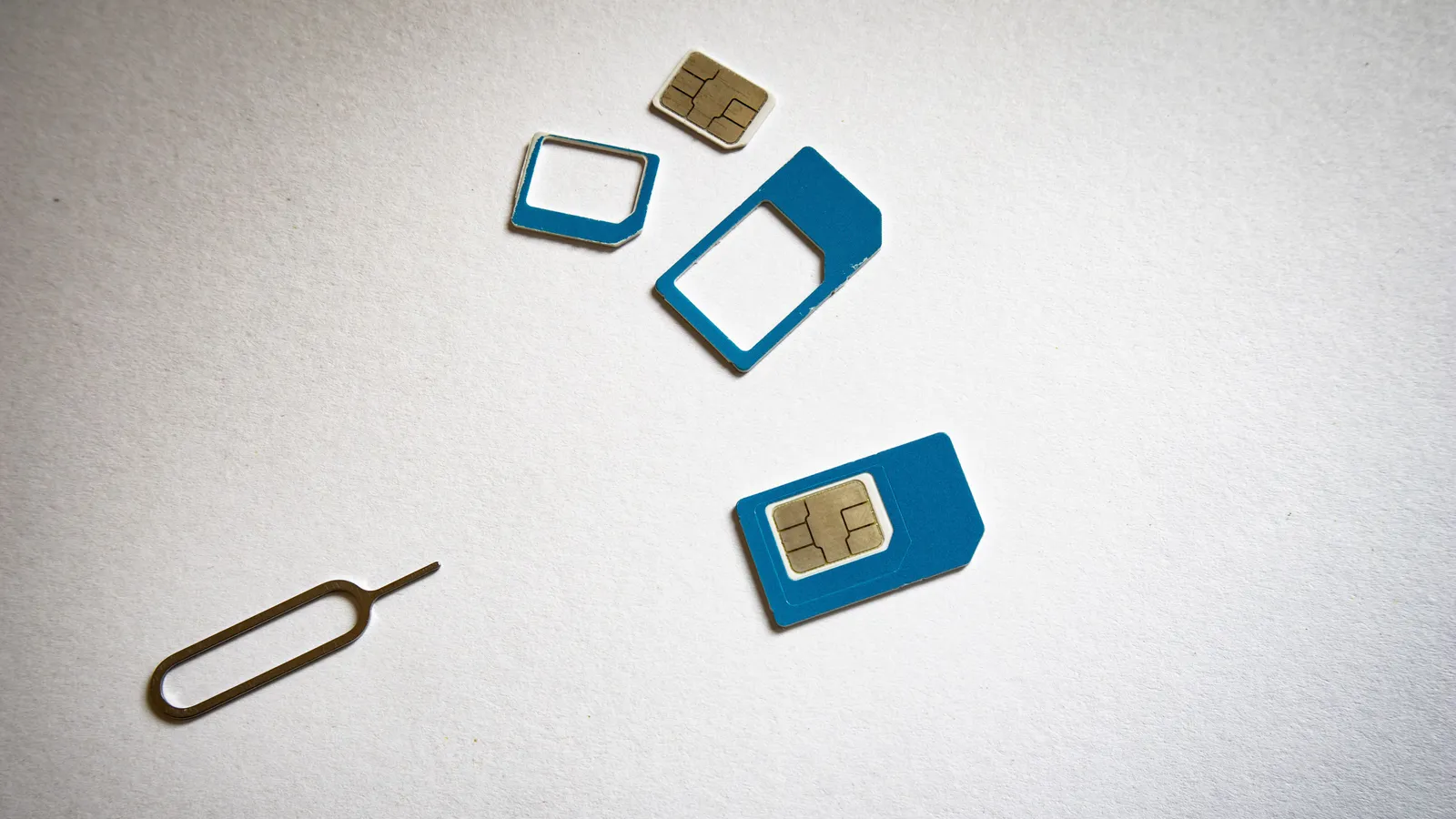
You can sign up with a foreign phone number — chat works on any number that can receive an SMS. But the moment you want to pay for a cab in the app, split a bill, or use KakaoBank, you'll usually need a Korean phone number plus a Korean bank or card and identity verification. That's why most people pair KakaoTalk with getting a local SIM. If you haven't sorted your number yet, see our prepaid SIM guide or, for longer stays, a real Korean phone plan.

What you need
- A smartphone (iOS or Android) with the App Store or Google Play.
- A phone number that can receive an SMS verification code — Korean or foreign.
- WiFi or mobile data.
- Optional but recommended: a Korean number, ARC and Korean bank account if you want KakaoPay and the paid services.
Step-by-step
- Download the app. Search "KakaoTalk" in the App Store (iPhone) or Google Play (Android) and install the official app by Kakao Corp. It's free.
- Start sign-up and enter your phone number. Open the app, tap New to Kakao? / Sign up, and enter your mobile number. KakaoTalk sends a code by SMS.
- Enter the verification code. Type in the code from the text message to confirm the number. This step is why a working SIM matters — no SMS, no account.
- Set your email and password. These become your Kakao Account login, used across every Kakao service, so pick something you'll remember.
- Choose a display name and profile photo. This is what friends see. You can change it anytime.
- Set a Kakao ID. Go to the settings (gear) menu and set a 카카오톡 아이디 (Kakao ID) — a unique username. This lets people add you without your phone number. Highly recommended.
- Add your first friends. Open the Friends tab and use any of these:
- Contact sync: allow KakaoTalk to read your phone contacts and it auto-matches anyone already on Kakao.
- QR code: tap the person icon / Add friend, then scan a friend's QR code (or show yours for them to scan).
- Kakao ID search: tap Add friend → search by ID and type their Kakao ID.
- Start a chat. Tap a friend to open a 1:1 chat, or use Add friend → create a group chat to make a group. Everything below — calls, files, translation — lives inside a chat.
What it costs
KakaoTalk itself is free: messages, voice calls, video calls and file sharing all run over WiFi or data at no charge. The things that cost money are optional:
- Premium emoticons/stickers — one-off purchases, often a few thousand won.
- 선물하기 (seonmul-hagi — "gifting") — sending a real gift like a café voucher; you pay the item's price.
- 카카오페이 (Kakao Pei — "KakaoPay") — you only pay for what you actually buy or transfer.
To send money or gifts you'll need KakaoPay set up, which for foreigners generally means a Korean number, a Korean bank or card, and identity verification tied to your ARC. It's worth doing once you're settled — see how it compares to other options in Korean banking apps compared.
Common problems (and fixes)
- "I never got the SMS code." Check signal, confirm the number is correct with country code, and request the code again. If your foreign number can't receive Korean SMS reliably, use a Korean SIM to register.
- "A shop/landlord asked for my KakaoTalk but I don't want to give my number." Send them your Kakao ID or your QR code instead. Businesses often prefer a Channel (a business account) — just search the shop's name in the search bar and message the channel.
- "Strangers keep adding me." In Settings → Friends, turn off "Add friends by phone number." After that, people can only add you via your Kakao ID or QR code — much better for privacy.
- "I can't read the Korean messages." KakaoTalk has built-in translation: long-press a message bubble and look for Translate. If it isn't there, open Settings and search "translation" to turn it on — Kakao occasionally moves the toggle between app versions.
- "KakaoPay won't verify me." A working chat account doesn't guarantee payments. Those flows depend on your number, bank, card and identity verification, so finish your ARC and Korean bank account first.
Good to know
Open Chats are Korea's secret layer. 오픈채팅 (open-chaeting — "Open Chat") lets you join public or semi-public group rooms without being friends or sharing your number — think expat communities, neighborhood groups, hobby clubs, apartment-hunting rooms. Find them via the Open Chat tab or a shared link/QR code, and you can use a room-only nickname.
Businesses live here too. Many small shops, clinics, movers and landlords will only reply on KakaoTalk, not email or phone. Sending a polite Korean opener like 안녕하세요, 문의드립니다 (annyeonghaseyo, munui-deurimnida — "hello, I have a question") goes a long way, and the built-in translator handles the replies.
Calls and files. Free voice and video calls work in any chat, and you can send photos, documents and your live location — handy when a taxi or delivery driver needs to find you.
Privacy basics. Set your Kakao ID and QR as your default "handle," keep "add by phone number" off if you value privacy, and consider turning on two-step verification in settings to protect the account that now unlocks your money and rides.
Once KakaoTalk is running, you're ready for the rest of the toolkit — see the apps you actually need in Korea and how taxis work with Kakao T. If you're still deciding how to get online in the first place, start with eSIM vs SIM vs pocket WiFi.
Frequently asked questions
›Do I need a Korean phone number to use KakaoTalk?
No — you can sign up with a foreign number that receives SMS, and chat works fine. But KakaoPay, Kakao T payments and other linked services usually need a Korean number plus a Korean bank or card, so a Korean SIM makes everything smoother.
›Is KakaoTalk free?
Yes. Messages, voice calls, video calls and file sharing are free over WiFi or mobile data. You only pay for optional extras like premium emoticons or gifts (Kakao 선물하기), and for anything you buy through KakaoPay.
›How do people add me if I don't want to share my phone number?
Set a Kakao ID and share that, or show your personal QR code from the friends tab. You can also turn off 'add by phone number' in Settings so strangers can't find you from a contact sync.
›Can I read Korean messages I don't understand?
KakaoTalk has a built-in translation feature — long-press a message bubble and tap Translate. You may need to switch it on first under Settings, in the experimental/Lab section.
Sources and updates
Last edited on September 26, 2026. Sources support the specific details discussed in the guide; check the provider for current prices, availability and eligibility.